| 1 | # Durable Chat App |
| 2 | |
| 3 | [](https://deploy.workers.cloudflare.com/?url=https://github.com/cloudflare/templates/tree/main/durable-chat-template) |
| 4 | |
| 5 | 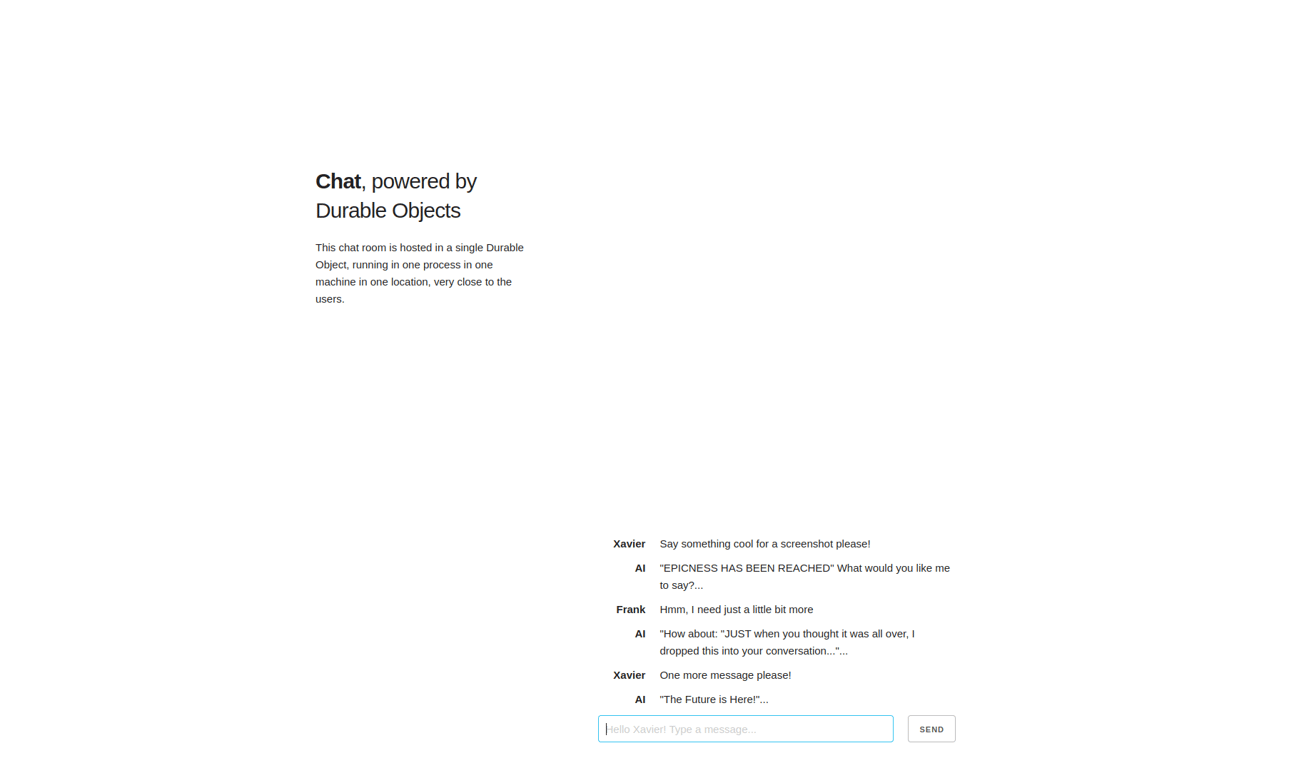 |
| 6 | |
| 7 | |
| 8 | |
| 9 | With this template, you can deploy your own chat app to converse with other users in real-time. Going to the [demo website](https://durable-chat-template.templates.workers.dev) puts you into a unique chat room based on the ID in the url. Share that ID with others to chat with them! This is powered by [Durable Objects](https://developers.cloudflare.com/durable-objects/) and [PartyKit](https://www.partykit.io/). |
| 10 | |
| 11 | ## How It Works |
| 12 | |
| 13 | Users are assigned their own chat room when they first visit the page, and can talk to others by sharing their room URL. When someone joins the chat room, a WebSocket connection is opened with a [Durable Object](https://developers.cloudflare.com/durable-objects/) that stores and synchronizes the chat history. |
| 14 | |
| 15 | The Durable Object instance that manages the chat room runs in one location, and handles all incoming WebSocket connections. Chat messages are stored and retrieved using the [Durable Object SQL Storage API](https://developers.cloudflare.com/durable-objects/api/sql-storage/). When a new user joins the room, the existing chat history is retrieved from the Durable Object for that room. When a user sends a chat message, the message is stored in the Durable Object for that room and broadcast to all other users in that room via WebSocket connection. This template uses the [PartyKit Server API](https://docs.partykit.io/reference/partyserver-api/) to simplify the connection management logic, but could also be implemented using Durable Objects on their own. |
| 16 | |
| 17 | |
| 18 | |
| 19 | ## Getting Started |
| 20 | |
| 21 | Outside of this repo, you can start a new project with this template using [C3](https://developers.cloudflare.com/pages/get-started/c3/) (the `create-cloudflare` CLI): |
| 22 | |
| 23 | ``` |
| 24 | npm create cloudflare@latest -- --template=cloudflare/templates/durable-chat-template |
| 25 | ``` |
| 26 | |
| 27 | A live public deployment of this template is available at [https://durable-chat-template.templates.workers.dev](https://durable-chat-template.templates.workers.dev) |
| 28 | |
| 29 | ## Setup Steps |
| 30 | |
| 31 | 1. Install the project dependencies with a package manager of your choice: |
| 32 | ```bash |
| 33 | npm install |
| 34 | ``` |
| 35 | 2. Deploy the project! |
| 36 | ```bash |
| 37 | npx wrangler deploy |
| 38 | ``` |
| 39 | 3. Monitor your worker |
| 40 | ```bash |
| 41 | npx wrangler tail |
| 42 | ``` |

 huncholane